
Why Is My WhatsApp Verification Code Not Arriving?
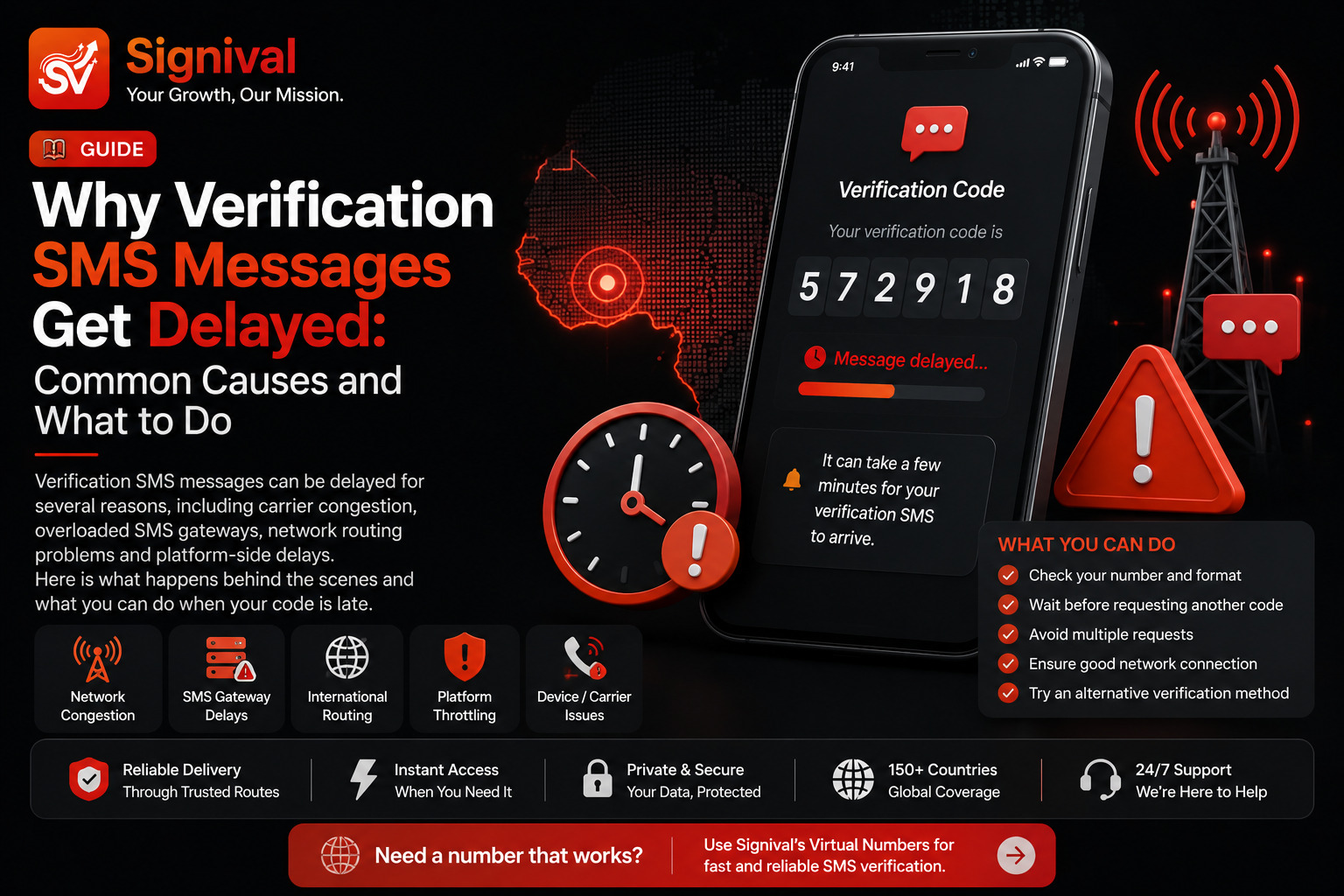
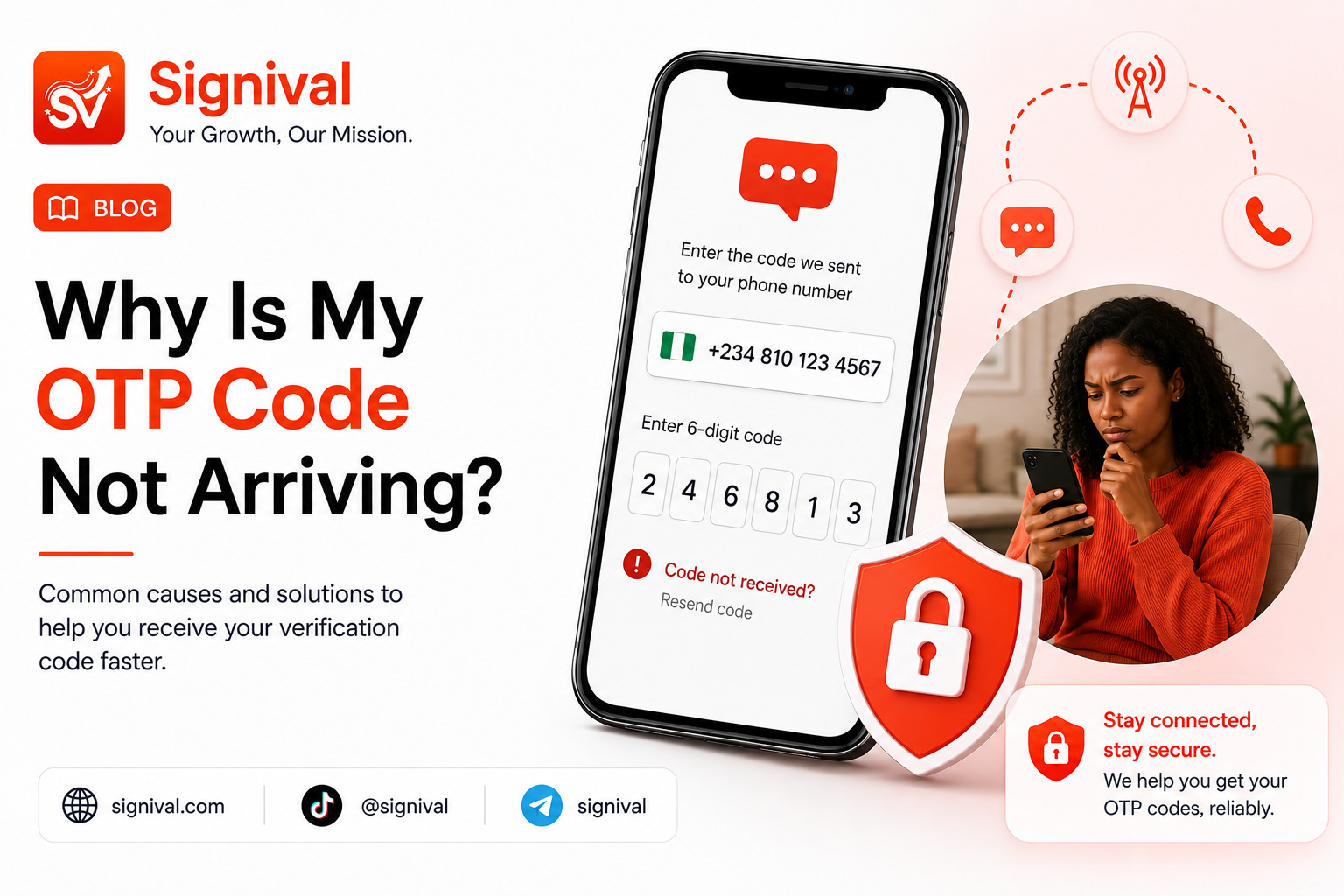
There are several possible explanations for a missing WhatsApp verification SMS.
1. Your Mobile Network Is Experiencing a Delay
The simplest explanation is sometimes a temporary network problem.
Your mobile carrier may experience congestion, routing delays, or temporary problems processing international application-generated SMS messages. Your phone can have a strong signal while individual SMS messages are still delayed.
If other SMS messages are arriving normally but the WhatsApp verification message is not, waiting a short period before requesting another code can sometimes resolve the problem.
2. You Entered the Number or Country Code Incorrectly
WhatsApp needs the correct international number format.
Check that:
- The correct country is selected.
- The country code is correct.
- You have entered the correct mobile number.
- You have not accidentally included an extra leading zero after the country code.
For example, Nigerian numbers normally use the +234 country code in international format.
An incorrect number means the verification message may be sent somewhere other than the phone you are currently using.
3. You Requested Too Many Codes
Repeatedly requesting verification codes within a short period can cause additional waiting periods.
If you repeatedly press the option to resend the code because the first message has not arrived, you may make the situation worse rather than better.
Instead:
- Confirm that the number is correct.
- Check your network connection.
- Wait for the current verification attempt.
- Use the available alternative verification option if WhatsApp provides one.
- Avoid repeatedly requesting new codes.
If WhatsApp displays a countdown or tells you to wait, allow the stated period to finish.
4. Your Phone Is Filtering or Blocking Messages
Check whether your device, messaging application, or mobile network has any filtering settings that could interfere with automated SMS.
Look through your blocked numbers and spam-message settings.
Also make sure your phone has enough storage available to receive new messages and that your messaging application is functioning normally.
5. The Number May Have Restrictions
Some phone numbers may not work with every verification workflow.
This can happen with certain virtual numbers, recycled numbers, landlines, unsupported number types, or numbers that have previously been associated with accounts.
WhatsApp ultimately determines whether a number can be used for its verification process.
If the number is repeatedly rejected, trying the same number over and over is unlikely to solve the underlying issue.
6. International SMS Delivery Can Be Unreliable
Application verification messages can travel through international SMS delivery routes before reaching a local carrier.
That creates several potential points of failure.
For example:
WhatsApp → SMS provider → international routing → local carrier → your phone
A problem anywhere along that route can delay or prevent delivery.
This is one reason a phone can receive ordinary messages normally while an application verification SMS fails to arrive.
What Should I Do Before Requesting Another WhatsApp Code?
Before trying another verification attempt, work through the following checklist.
- Check Your Number — Confirm the country code and phone number carefully.
- Check Your Mobile Signal — Move to an area with reliable network coverage if your signal is weak.
- Check Your SMS Inbox — Make sure your phone can receive ordinary SMS messages.
- Check Spam and Blocked Messages — Some devices and messaging applications automatically filter suspicious or automated messages.
- Restart Your Device — A simple restart can refresh the mobile network connection and resolve temporary device-level issues.
- Wait Before Requesting Another Code — If you have already requested several codes, stop requesting additional ones until WhatsApp's waiting period has passed.
- Try the Available Alternative — If WhatsApp offers a voice-call verification option for your number, you may be able to receive the verification code through that method instead.
What If My Regular Number Still Doesn't Receive the Code?
If you have confirmed that your number is correct, your phone can receive normal SMS messages, and the problem continues, you may want to consider whether the issue is specific to your current number or carrier route.
For users who need a separate number for a supported WhatsApp verification workflow, Signival provides temporary numbers that can receive SMS verification messages.
You can learn more about temporary WhatsApp verification numbers and how the activation process works.
Signival can be useful when you specifically need a separate number rather than continuing to troubleshoot a personal line that is not receiving the required verification message.
How Signival WhatsApp Verification Works
The process is designed around a temporary SMS activation.
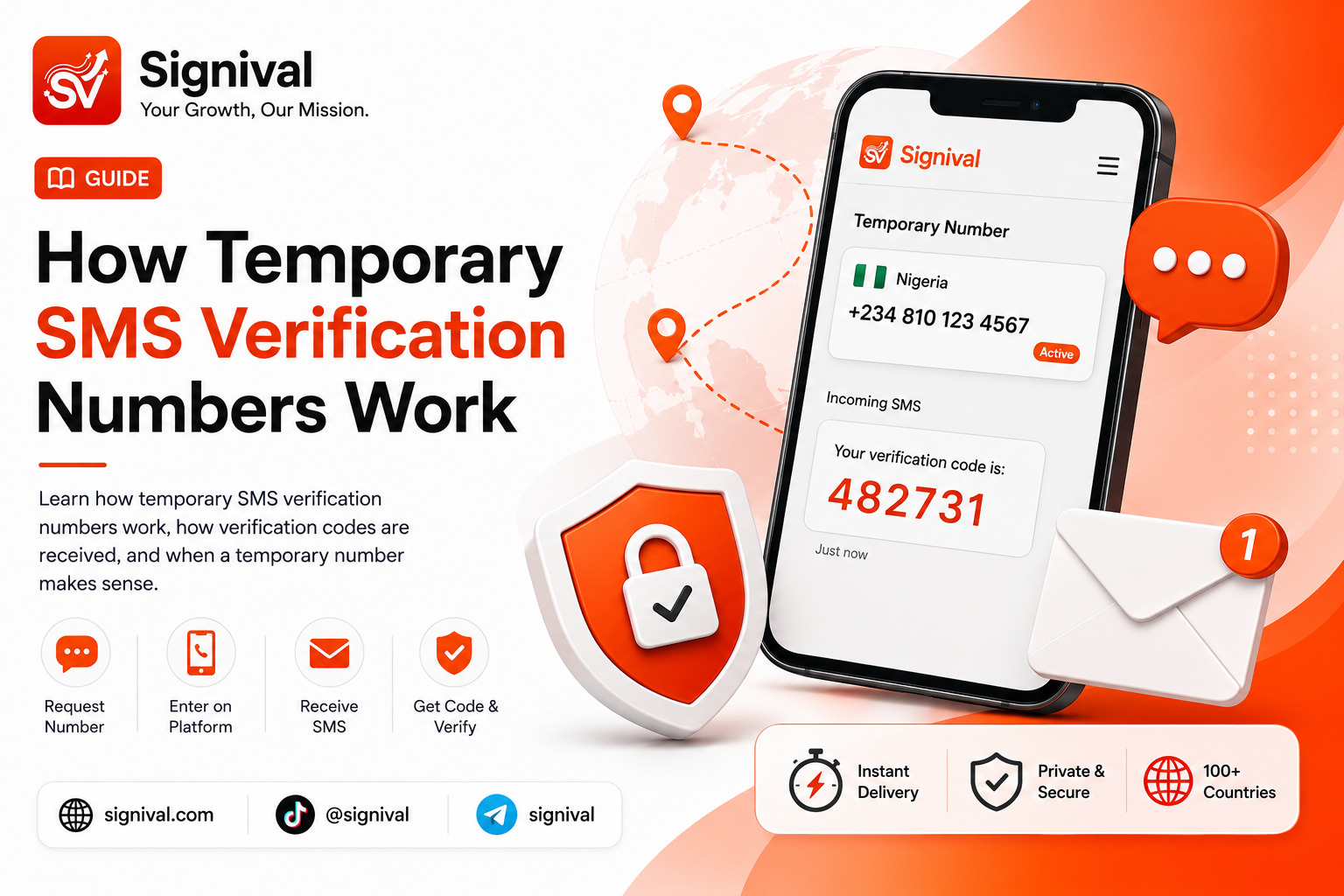
You first fund your Signival wallet and select WhatsApp from the available verification services.
Depending on current inventory, you can select an available country and create an activation.
Signival then provides a temporary phone number through your dashboard.
You enter the number into WhatsApp's verification screen and request the SMS.
If WhatsApp sends the verification message successfully, the incoming code appears inside the active Signival activation.
You can then copy the code and enter it into WhatsApp.
For more information about the overall service, you can also visit the Signival Virtual Numbers hub.
Why Use a Temporary Number Instead of Your Personal Number?
There are several reasons someone may prefer to separate their personal number from an online service.
Your primary number may already be connected to:
- Personal contacts
- Banking notifications
- Business communication
- Recovery systems
- Other online accounts
Using a separate number for a supported verification workflow can provide a layer of separation between that service and your regular communications.
However, temporary numbers have an important limitation: they should not automatically be treated as permanent account-recovery numbers.
If you intend to keep an account for a long period, make sure you configure whatever permanent security and recovery options the platform provides.
Does a Temporary WhatsApp Number Always Work?
No.
No verification provider can guarantee that every number will be accepted by WhatsApp in every situation.
WhatsApp controls its own verification system and can change its requirements, reject certain numbers, limit verification attempts, or apply additional security checks.
Signival provides the temporary number and SMS-receiving infrastructure, but WhatsApp determines whether the number is accepted and whether a verification message is delivered.
Availability can also vary depending on country, carrier inventory, demand, and the application's current requirements.
What Happens If the Signival Verification SMS Does Not Arrive?
Signival activations operate within a defined session window.
If the expected verification SMS does not arrive before the activation expires, the request is closed according to the applicable service conditions.
Where the activation qualifies for a refund under Signival's current terms, the applicable amount is returned to the wallet.
Always review the activation status and displayed service conditions when placing an order.
WhatsApp SMS Verification vs. Voice Verification
WhatsApp may provide different verification methods depending on the number, location, account state, and current platform rules.
SMS verification sends the code as a text message.
Voice verification, where available, delivers the code through an automated phone call.
If SMS delivery is failing but WhatsApp presents a voice-call option, that can be worth trying before starting another verification process.
The availability of each method is controlled by WhatsApp and may differ between users.
Final Checklist
If your WhatsApp verification SMS is not arriving, don't immediately assume that your phone is broken.
Work through these checks:
- Confirm your international number format.
- Check your mobile network.
- Make sure ordinary SMS messages are arriving.
- Check spam and blocked-message settings.
- Avoid requesting too many codes.
- Wait for any WhatsApp-imposed countdown.
- Try voice verification if WhatsApp provides it.
- Consider whether the problem is specific to your current number.
- Use a separate temporary number if that is appropriate for your situation.
If you need a temporary number for a supported WhatsApp verification workflow, get a WhatsApp virtual number from Signival.