Why Your OTP Code May Not Be Arriving
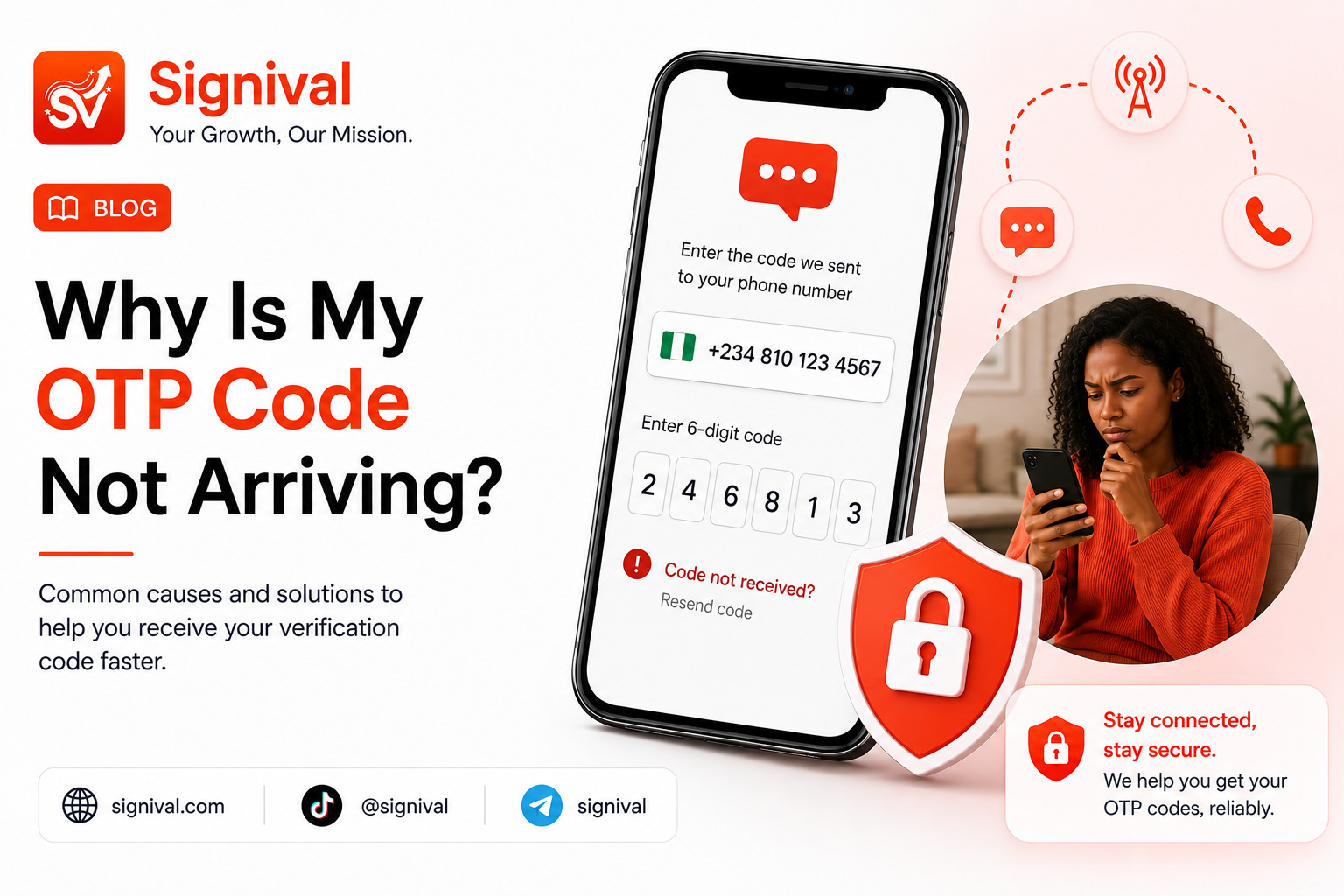
You enter your phone number, tap Send Code, and wait. Nothing happens.
You wait another minute, request another code, and still nothing appears in your messages.
This is one of the most common problems with SMS-based account verification. An OTP can fail to appear for several different reasons, and the problem is not always your phone. The message has to pass through several stages before it reaches you: the platform generates the code, an SMS provider processes it, the message is routed toward your mobile network, and your device finally receives it.
That means a problem at almost any point in that chain can result in a missing OTP.
This guide explains the most common causes and what you can try before requesting another code.
Learn more about SMS verification services
1. Check That You Entered the Correct Phone Number
The simplest explanation is sometimes the correct one: the number entered during registration may be incorrect.
Check the country code, area or network prefix, and the remaining digits carefully. This is particularly important when entering an international number because some services automatically add the country code while others expect you to select it separately.
If the number is incorrect, requesting the OTP again will not solve the problem. The new code will simply be sent to the wrong destination.
2. Your Mobile Network May Be Delaying the SMS
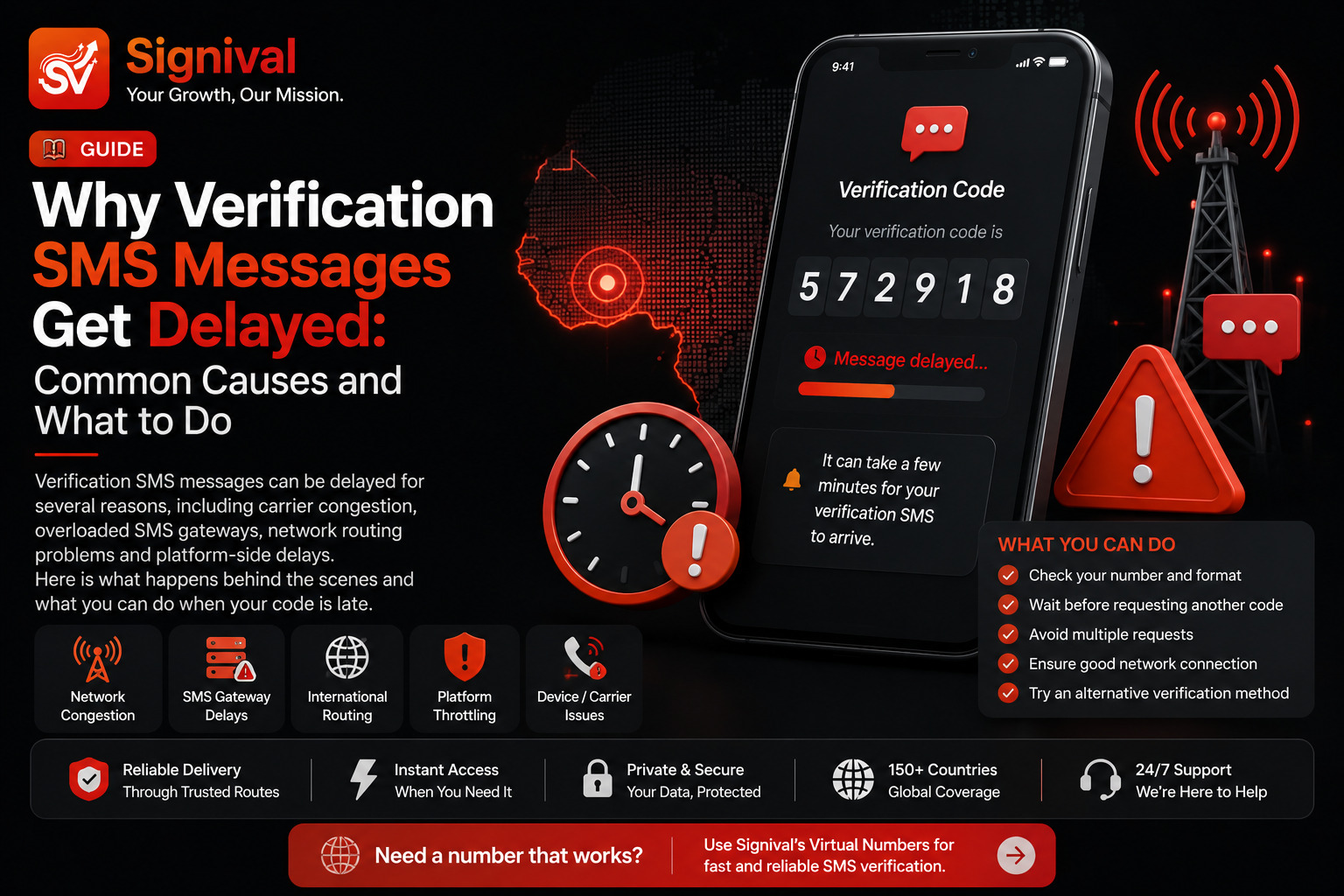
SMS delivery is not always instantaneous. A message can be accepted by the sending system and still take time to reach the destination network.
Network congestion, temporary routing problems, international SMS routes, and carrier-side processing can all contribute to delays.
If your phone is receiving normal text messages but a particular verification code is taking longer than expected, the issue may be somewhere between the service sending the OTP and your mobile network.
Give the message a little time before immediately requesting another code.
3. Your Phone May Have Weak Network Coverage
An unstable mobile connection can affect your ability to receive SMS messages.
If you are in an area with poor reception, try moving to a location with stronger signal and wait for the network connection to stabilize.
You can also temporarily switch airplane mode on and off to force your phone to reconnect to the mobile network.
If normal SMS messages are also failing to arrive, the problem is more likely to be related to your mobile connection or SIM rather than the website requesting the OTP.
4. SMS Filtering May Be Hiding the Message
Modern phones can automatically filter or separate messages from unknown senders. Depending on the device and messaging application, an OTP may appear in a spam, blocked, junk, or unknown-sender section rather than your main inbox.
Check your messaging application's filtered and blocked-message sections if you are expecting a verification code but cannot see it in the normal inbox.
Also check whether you have accidentally blocked the sender or enabled a filtering feature that could affect incoming messages.
5. Your SIM or Phone May Have an SMS Problem
If you are not receiving any SMS messages, not just OTPs, investigate the phone or SIM itself.
Check whether:
- Your SIM is active and connected to the network.
- You can receive ordinary SMS messages.
- Your device has sufficient storage.
- Your messaging application is functioning normally.
- The SIM is properly detected by the phone.
If ordinary SMS messages are also failing, contact your mobile network provider before assuming that the verification service is responsible.
6. The Verification Service May Not Have Sent the Code Successfully
Sometimes the problem is on the service's side.
A website or application may experience problems with its SMS provider, verification system, routing configuration, or temporary service availability. In that situation, your phone can be working perfectly and the OTP can still fail to arrive.
This is especially worth considering when you can receive SMS from other services normally but one particular platform repeatedly fails to deliver its verification messages.
7. You Requested Too Many Codes
Repeatedly pressing Resend Code can actually make verification more confusing.
Many platforms use a cooldown period or invalidate earlier OTPs when a new code is generated. If several messages are delayed and then arrive together, you may have multiple codes in your inbox, with only the newest one being valid.
Instead of requesting a new code every few seconds, wait for the platform's recommended interval before trying again.
If several codes eventually arrive, use the most recent valid code according to the platform's instructions.
8. The OTP May Have Expired
OTP codes are designed to be temporary. A code that arrives after its validity period may no longer work.
This can happen when an SMS is delayed or when a user spends too much time requesting and entering different codes.
If the platform says that the code has expired, request a new one and enter it promptly.
9. The Platform May Restrict Verification Attempts
Verification systems often have controls designed to prevent abuse and excessive automated requests.
If you repeatedly request codes for the same account or number within a short period, the platform may temporarily restrict additional verification attempts.
When this happens, repeatedly pressing the resend button is unlikely to help. Follow the platform's cooldown instructions and try again later.
10. The Number Type May Not Be Supported
Some services do not accept every type of phone number for verification. Depending on the platform, its verification provider may distinguish between mobile, VoIP, landline, and other number types.
This is one reason a number that works perfectly for ordinary calls or SMS may still be rejected during registration on a particular website.
If you are consistently unable to verify an account with your usual number, check whether the platform specifies which types of numbers it supports.
Read our guide to VoIP and non-VoIP numbers in Nigeria
What Should You Do When Your OTP Does Not Arrive?
Instead of immediately requesting the code several times, work through the problem systematically.
- Confirm that the phone number and country code are correct.
- Check that your SIM is active and has network coverage.
- Check your spam, blocked, and filtered SMS folders.
- Make sure your phone can receive ordinary SMS messages.
- Wait for the platform's recommended resend interval.
- Request a new code once the cooldown period has passed.
- Use the newest valid OTP if multiple messages arrive.
- Try an alternative verification method if the platform provides one.
- Contact the platform's support team if the problem continues.
When a Temporary Number Can Be an Alternative
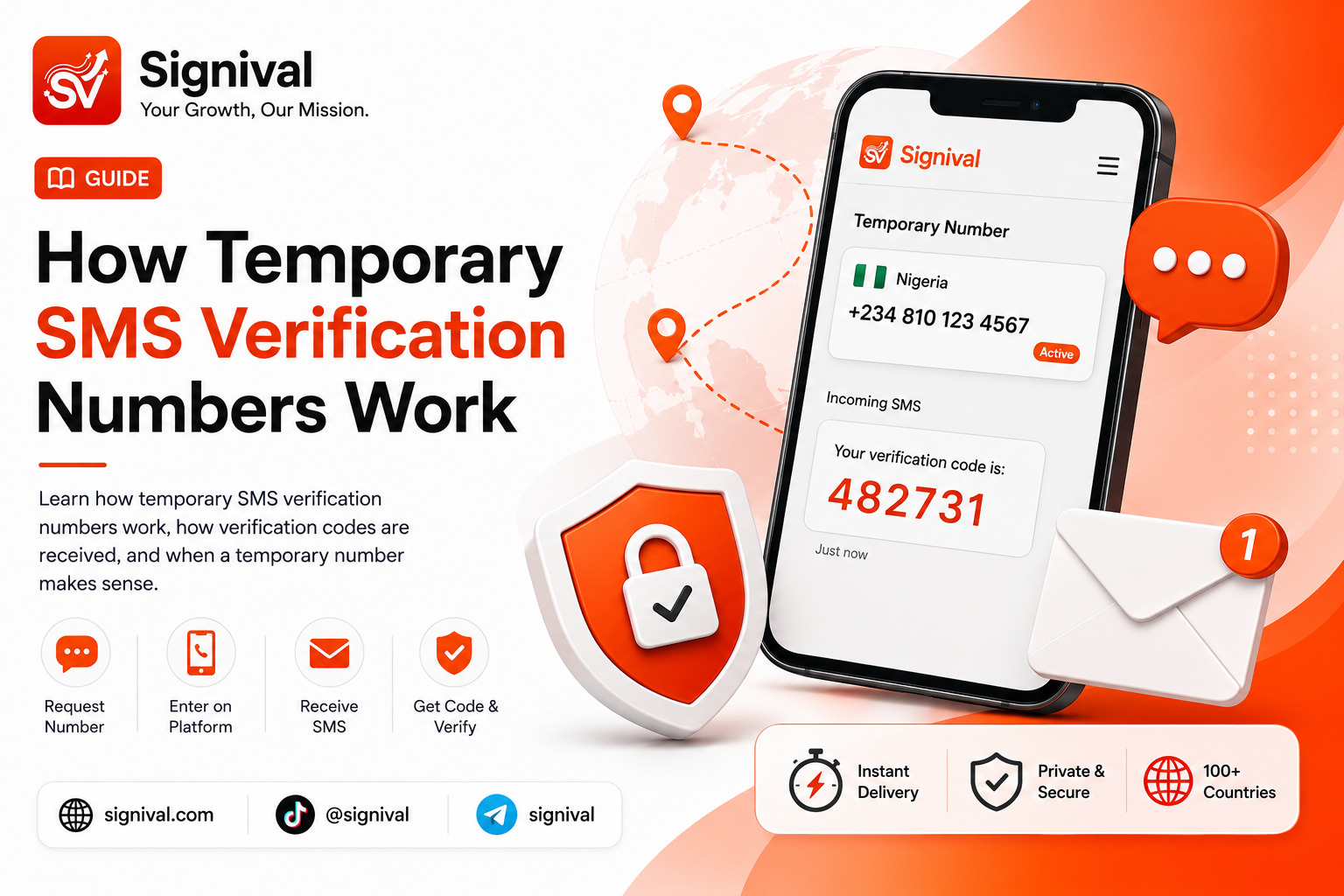
If the problem is related to your personal number, rather than the account itself, a temporary verification number can sometimes provide another option for services that support it.
For example, you may prefer not to use your primary phone number when registering for a supported online service. A temporary number gives you a separate number through which you can receive the verification SMS during an active activation.
However, a temporary number does not guarantee that every platform will accept it. The service requesting verification ultimately controls which numbers it accepts.
Explore Signival Virtual Numbers
Why OTP Delivery Can Be Unpredictable
The important thing to understand is that an OTP is not delivered directly from a website to your phone in one step.
There can be multiple systems involved: the application generating the code, its SMS provider, routing networks, your mobile carrier, and your device.
A failure anywhere in that chain can result in a missing or delayed message.
That is why checking your phone alone does not always identify the problem. If ordinary SMS messages work normally but one specific service never delivers its OTP, the issue may be related to that service's verification infrastructure or the route being used to reach your number.
Final Takeaway
A missing OTP does not automatically mean your phone is faulty. The message can be delayed or blocked at several points between the service generating the code and your device receiving it.
Start with the simple checks: verify the number, confirm your network, inspect filtered messages, avoid excessive resend attempts, and give delayed messages time to arrive. If the problem persists only with one particular platform, the issue may be on its verification or SMS delivery side.