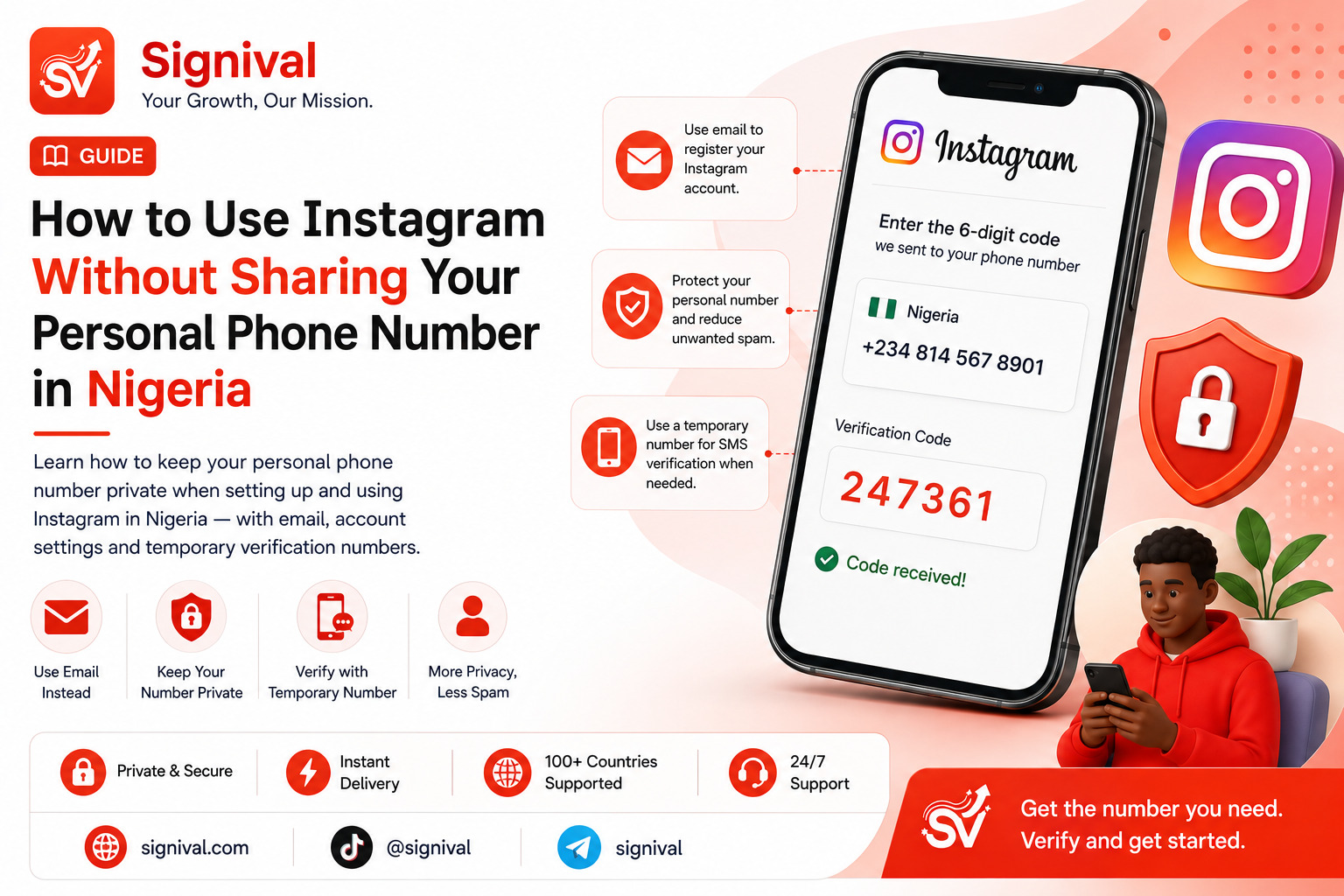
Do You Need to Give Instagram Your Personal Phone Number?
Instagram accounts can be created and managed using different account-recovery and verification options, but phone numbers remain one of the common ways platforms verify users and protect accounts from automated abuse.
For many Nigerian users, the bigger question is not whether Instagram can use a phone number. It is whether you need to expose your primary personal number every time you create, test or manage an account.
If your main phone number is already connected to your banking alerts, WhatsApp, family contacts and other important services, using it everywhere creates unnecessary exposure. A separate number can provide a layer of separation between your personal communications and an online account.
Explore temporary virtual numbers on Signival
Why You Might Not Want to Use Your Personal Number
Your phone number is more than a string of digits. It can be used as an identifier across multiple online services, which means sharing the same number widely can make it easier for unwanted contacts, marketers or other users to associate different parts of your online activity.
There are several practical reasons someone may prefer not to use their primary number for every Instagram-related activity.
Privacy: You may simply prefer to keep your personal contact information separate from your social media accounts.
Spam reduction: The more places your number is published or submitted, the greater the possibility of receiving unwanted calls or messages.
Business separation: A business owner may want Instagram activity to remain separate from a private personal number.
Multiple projects: Agencies, creators and developers sometimes work with several legitimate profiles or projects and may need separate contact arrangements.
Testing: Developers and teams testing account-related workflows may not want to repeatedly attach their personal number to test registrations.
Can You Create an Instagram Account Without a Phone Number?
Instagram's registration and security requirements can vary depending on the account, location, device and platform risk signals. In some situations, registration may allow an email address instead of immediately requiring a phone number. In other situations, Instagram may request additional verification.
This means there is no reliable rule that every Nigerian user can create an Instagram account without ever providing a phone number.
The important distinction is that avoiding your personal number is different from attempting to bypass Instagram's security systems. If Instagram requests verification, the appropriate approach is to provide a legitimate verification method that you control or are authorized to use.
Using an Email Address Instead
Email is one of the simplest ways to keep your Instagram account separated from your personal telephone number when Instagram makes that option available.
For a new account, you can use a dedicated email address that you control rather than immediately connecting your primary mobile number.
A dedicated email can be particularly useful for business accounts. Instead of tying the account to a personal address and phone number, you can establish a separate business identity with its own recovery information.
However, an email address does not guarantee that Instagram will never request phone verification later. Platforms can introduce additional verification requirements when they detect unusual activity, account-risk signals or other circumstances that require confirmation.
What If Instagram Requests a Phone Verification Code?
If Instagram asks for an SMS verification code, you have several legitimate options depending on the situation.
The simplest option is to use your existing mobile number if you are comfortable connecting it to the account.
If you specifically want to keep your personal number separate, a temporary virtual number can be another option where Instagram accepts that type of number and the service is available for the requested verification.
Signival provides temporary numbers through a browser-based dashboard. You select a supported service, choose an available country and receive the verification SMS through your Signival account when the provider successfully delivers it.
See Signival's Virtual Numbers Hub
How a Temporary Number Can Help
A temporary number creates separation between an online registration and your everyday mobile line.
For example, imagine you are setting up an Instagram account for a short-term project. You may not want the project's registration activity tied directly to the number you use for personal communication. Where supported, you can request a temporary number, use it for the verification step and receive the verification SMS through the Signival dashboard.
The key limitation is that temporary numbers are not replacements for permanent account-recovery arrangements. If an account is important to you long term, you should make sure you understand Instagram's available recovery and security options after registration.
How to Use a Signival Number for Instagram Verification
If Instagram presents an SMS verification step and accepts the selected virtual number, the process is straightforward:
Step 1 — Fund your wallet: Add Naira to your Signival wallet using an available local payment method.
Step 2 — Select the appropriate service: Open the available virtual-number services and select Instagram if it is currently supported.
Step 3 — Select a country: Choose from the countries and numbers currently available for the service.
Step 4 — Enter the number: Copy the assigned number into Instagram's phone verification field.
Step 5 — Receive the SMS: If Instagram sends the verification message successfully, the code appears in your Signival dashboard.
Step 6 — Complete verification: Enter the received code into Instagram.
Availability and successful delivery depend on the provider's current inventory and Instagram's acceptance of the number.
Don't Confuse Privacy With Account Security
Keeping your personal number private does not mean ignoring account security.
If an Instagram account is going to become important to you, make sure you maintain access to the recovery methods associated with it. Enable the security features Instagram makes available to you and keep your recovery information under your control.
A temporary number is useful for a verification event. It should not be treated as a substitute for understanding how you will recover an account later.
What About Instagram Business Accounts?
Businesses have an even stronger reason to separate public-facing contact information from the owner's personal number.
A business Instagram account may be managed by several people, used in advertisements or published on websites and marketing materials. Publishing a founder's private number simply because it was used during account setup can create unnecessary exposure.
A better structure is to maintain dedicated business contact channels wherever practical.
This can include a business email address, business phone line and separate account-recovery arrangements.
Explore Signival's Instagram services
Can You Remove Your Phone Number From Instagram Later?
Whether you can remove a phone number depends on the account's current security and recovery configuration and the options Instagram presents to you.
Before removing any recovery method, make sure another reliable recovery method is available. Removing the only method you can use to recover an account can create a much bigger problem than the privacy concern you were trying to solve.
Account security should always come before simply removing information.
Common Mistakes to Avoid
Using a number you cannot access: Never use a number for an important account unless you can actually receive the required verification message.
Assuming every virtual number works: Some platforms may reject particular number types or carriers. Availability does not guarantee acceptance by Instagram.
Using temporary numbers as permanent recovery: A temporary activation is designed for a specific verification event. Important accounts need reliable long-term recovery options.
Ignoring Instagram's security prompts: If Instagram requests additional verification, attempting to work around the security process can result in further restrictions.