
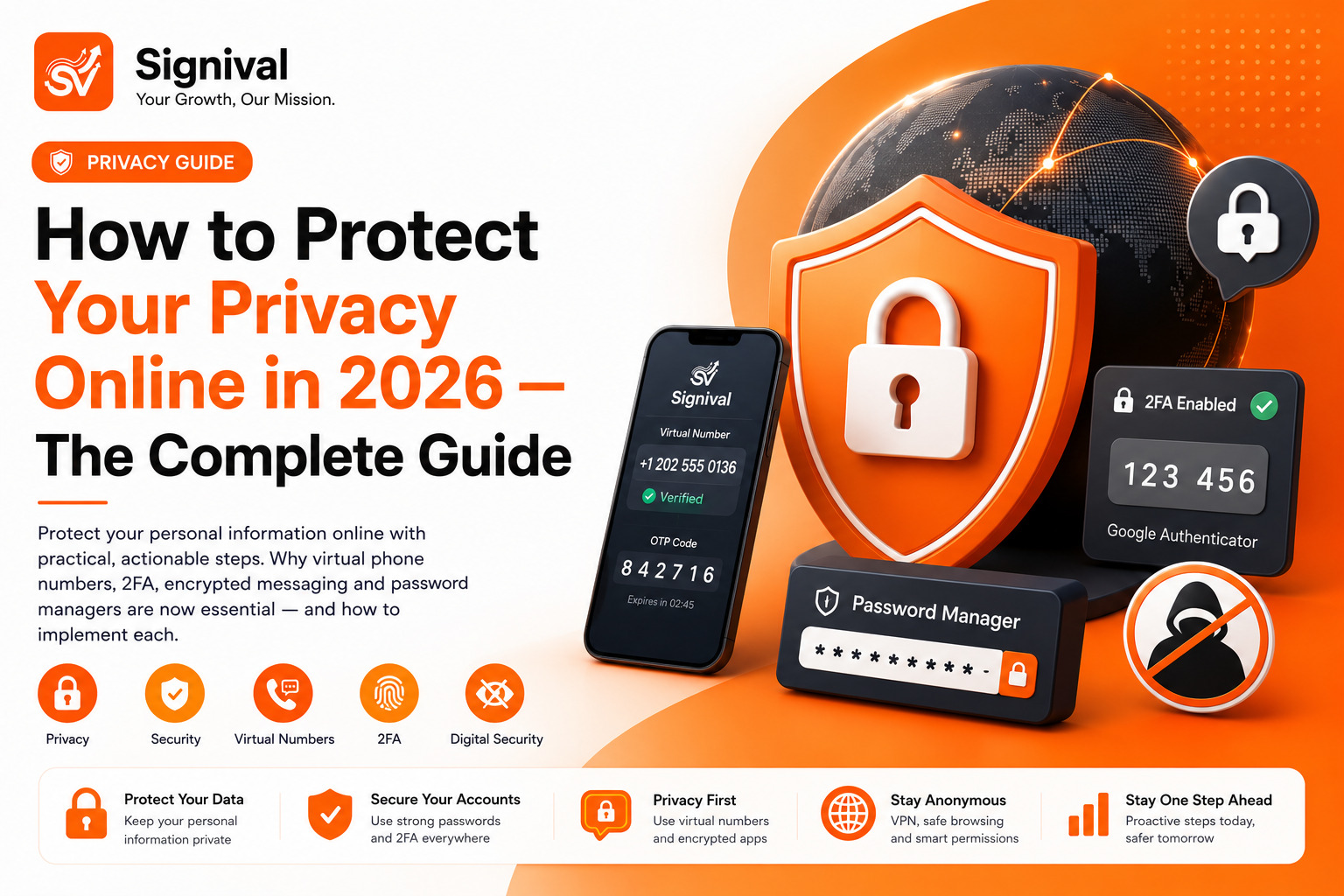
Why Privacy Matters More in 2026 Than Ever Before
The personal data economy has expanded dramatically. In 2026, your phone number, email address, IP address, device identifiers, browsing patterns, location history, and purchasing behaviour are being collected, aggregated, and sold by hundreds of companies you've never directly interacted with. Data broker profiles on individual users now routinely contain thousands of data points — all assembled from the digital footprints left by routine online activity.
Data breaches are no longer exceptional events. In 2025 alone, hundreds of major breaches exposed billions of records. When your phone number appears in one breach, it gets folded into data broker databases that feed spam callers, phishing campaigns, and targeted advertising networks. The exposure compounds over time.
Protecting your privacy isn't about paranoia — it's about minimising the amount of personal data that exists about you in places you don't control.
Virtual Phone Numbers: The Most Underrated Privacy Tool
Most privacy discussions focus on passwords, VPNs and encrypted messaging — all important. But one of the highest-leverage privacy moves available is also one of the least talked about: using virtual phone numbers for online verification instead of your real number.
Here's why your phone number is such a sensitive data point:
- It's a permanent identifier that follows you across every platform you've linked it to
- It's used by advertisers to cross-reference your activity across apps, websites and physical stores
- It's the recovery method for most of your accounts — which makes it the primary target in account takeover attacks
- It's stored in every company's database that has ever required verification — including companies with poor security practices
Using a virtual number from Signival for any new account sign-up means that company never has your real phone number. The virtual number receives the OTP, completes verification, and expires. No permanent record. No marketing lists. No breach exposure for your primary number.
Password Security: The Foundation of Everything Else
Credential reuse — using the same password across multiple services — is the single most common cause of account compromises. When one site's database is breached (and it happens constantly), attackers try those credentials on every major platform. If you used the same password for both, the breach cascades.
The solution is a password manager. Password managers generate unique, complex passwords for every account and store them securely so you only need to remember one master password. Reputable options include Bitwarden (open source and free), 1Password, and Dashlane.
Critical rules for password security in 2026:
- Never reuse a password across two accounts — ever
- Use at least 16 characters for any important account
- Enable breach alerts in your password manager — they monitor if your credentials appear in known breaches
- Change passwords immediately if you're notified of a breach on any service you use
Two-Factor Authentication: Your Most Important Account Protection
Two-factor authentication (2FA) requires a second form of verification beyond your password — typically a code from an authenticator app or sent via SMS. Even if an attacker obtains your password, they cannot access your account without the second factor.
Enable 2FA on every important account. Priority order: email first (it's the master key to all your other accounts via password recovery), then banking and financial services, then social media accounts, then everything else.
Not all 2FA is equal. In order of security strength:
- Hardware security keys (like YubiKey) — the most secure; immune to phishing
- Authenticator apps (Google Authenticator, Authy, Aegis) — secure and convenient
- SMS-based 2FA — better than nothing but vulnerable to SIM-swapping attacks
Where you have a choice, use an authenticator app over SMS 2FA. And for the SMS 2FA that you can't avoid — consider using a virtual number from Signival rather than your real number as the enrolled phone, reducing SIM-swap risk.
Encrypted Messaging
Standard SMS is not encrypted — your carrier can read it, and it can be intercepted. For any conversation you want to remain private, use an end-to-end encrypted messaging app.
- Signal — the gold standard. Open source, independent, end-to-end encrypted by default. Recommended for high-sensitivity communications.
- Telegram — encrypted in Secret Chat mode. Regular chats are not end-to-end encrypted. The app is more feature-rich than Signal but the encryption model is weaker in default mode.
- WhatsApp — end-to-end encrypted by default for messages. However, metadata (who you're messaging and when) is collected by Meta.
VPNs: What They Protect and What They Don't
A VPN (Virtual Private Network) encrypts your internet traffic and hides your IP address from the websites you visit. This is valuable on public Wi-Fi where attackers can intercept unencrypted traffic, and for preventing your ISP from monitoring your browsing habits.
What a VPN does not protect you from: tracking by websites through cookies and device fingerprinting, account-based tracking when you're logged in to a platform, or privacy violations by the VPN provider itself. Choose a reputable, audited VPN provider with a verified no-logs policy.
App Permissions: The Hidden Data Collection
Mobile apps routinely request permissions far beyond what they need to function. A flashlight app with access to your contacts and location is a data collection tool, not a utility. Conduct a regular permissions audit:
- Go to your phone's Settings → Privacy/Permissions
- Review which apps have access to your location, contacts, microphone, camera, and photos
- Revoke access for any app that doesn't genuinely need it to function
- For location specifically: most apps should have "only while using" access, not "always"
A Practical Privacy Stack for 2026
You don't need to implement everything at once. Here's a prioritised list — start at the top and work down:
- Password manager — install Bitwarden (free) and migrate your most important accounts this week
- Enable 2FA on your email and social accounts using an authenticator app
- Use virtual numbers for new sign-ups — Signival makes this quick and affordable
- Switch to Signal for sensitive conversations
- Install a reputable VPN and use it on public Wi-Fi
- Audit app permissions monthly and revoke unnecessary access
- Use a privacy-focused browser like Firefox or Brave with uBlock Origin